Read a message
Explore possible tone and alternative meanings before deciding how to respond.
Read the message. Find the words.
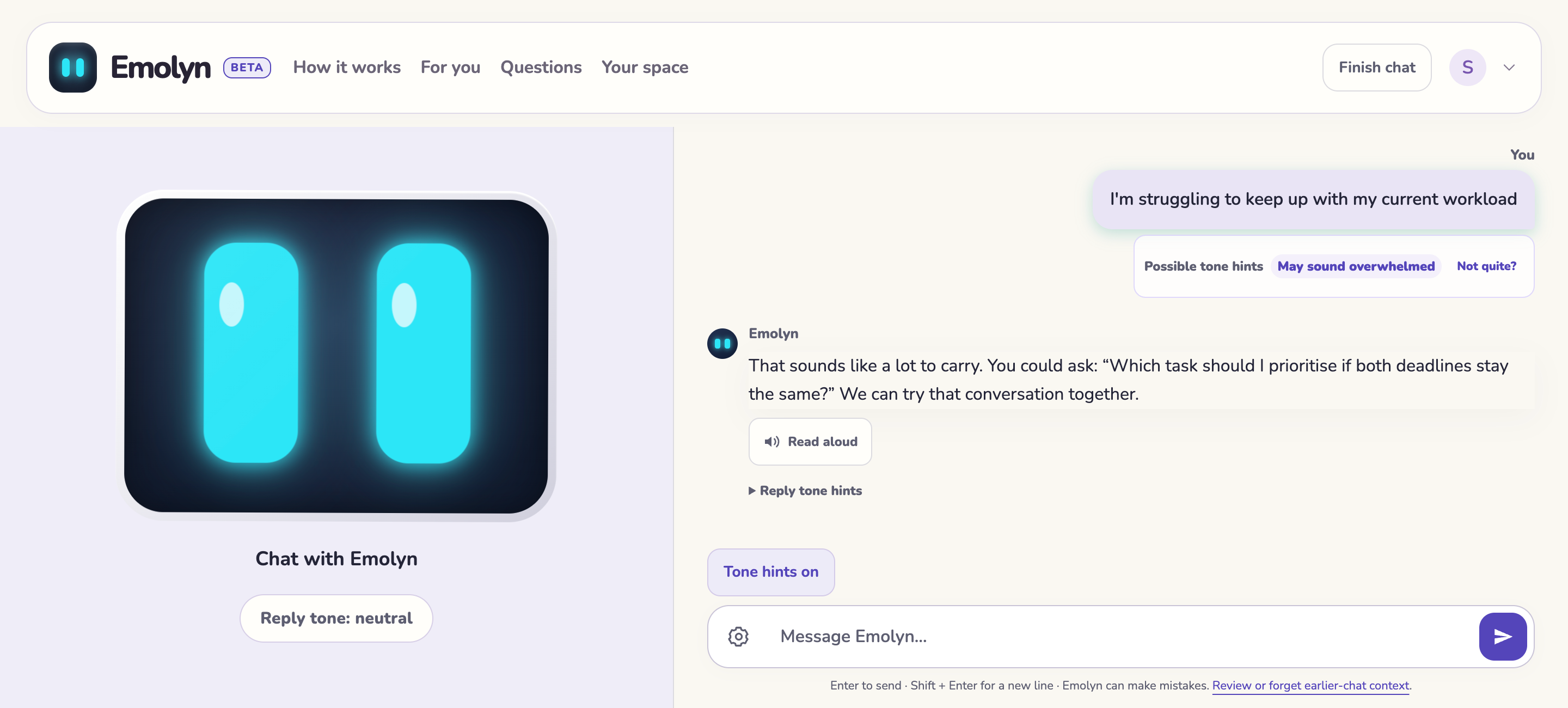
See how Emolyn helps you understand possible tone, find the words to reply and work through real-life scenarios, with a reacting face, voice and visible memory controls.
Explore possible tone and alternative meanings before deciding how to respond.
Draft or rephrase an email or text. Find wording that sounds like you.
Ask Emolyn to play the other person. After a multi-turn rehearsal, review a recap and one next step.
It looks for possible emotional tone in language. Emolyn suggests a reading you can question, rather than assuming what someone means.
“Fine. Do whatever you think is best.”
This could sound frustrated or uncertain. Context matters, so asking may help more than guessing.
The face looks curious while you type, reacts to your message, then shows the reply’s tone through 16 expressions. Tone hints can miss context or sarcasm. A suggestion, never a verdict.
Read the founder’s story behind Emolyn.
Why I built Emolyn ↗Autism and ADHD communication · Privacy and boundaries · Questions people ask